
Code Generation
Tips
After code generation, still review layered naming, response models, pagination, transactions, permissions, and formatting with fba skills. Do not treat generated output as final code.
Tips
This feature currently applies only to the backend project and does not include frontend code.
Warning
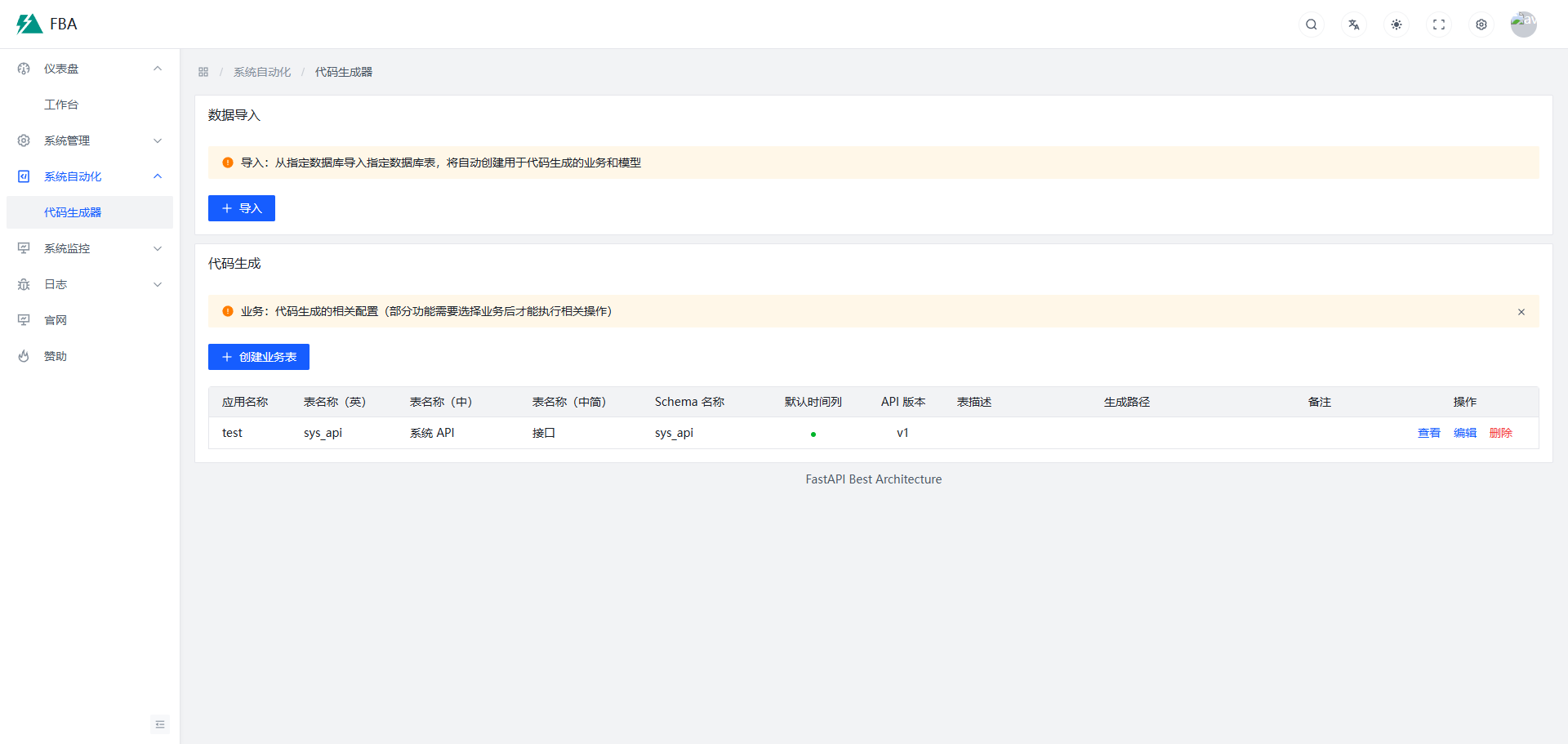
API calls alone cannot preview code generation results intuitively. They must be used with the frontend project. See Preview.
Concepts
The code generator is driven by API calls and includes two modules: Business and Model.
Business
Contains code-generation configuration. See: backend/plugin/code_generator/model/business.py
Model
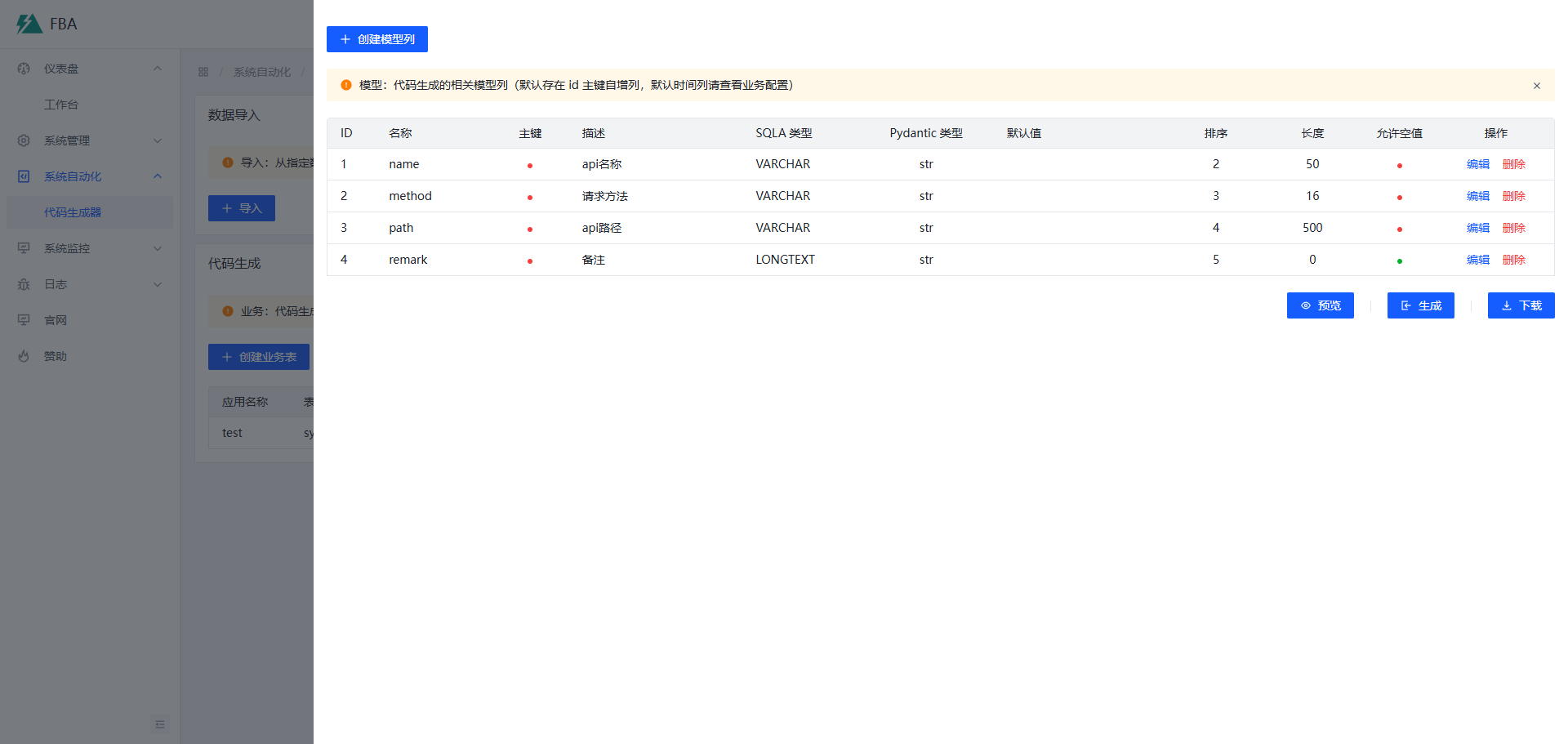
Contains the model column information required for code generation, similar to defining model columns normally. Supported features are currently limited.
Usage
- Start the backend service and operate directly from the Swagger docs
- Send API requests via a third-party API debugging tool
- Start both frontend and backend and operate from the UI
API parameters are mostly documented — please check them carefully.
F. Fully Manual Mode
Not recommended (the manual create-business API is marked as deprecated)
- Manually add a business record via the create-business API
- Manually add model columns via the model create API
- Call the preview, disk-write, and download APIs to perform code generation
S. Automatic Mode
Recommended
- Call the
tablesAPI to get the list of database table names - Use the
importsAPI to import existing database table data (business and model data are created automatically) - Call the preview, disk-write, and download APIs to perform code generation
Preview